

Version History
Every visual in Reshot maintains a complete immutable history. You never lose an old screenshot.
Accessing History
- Click on any visual card
- Navigate to the History tab
- View the complete timeline
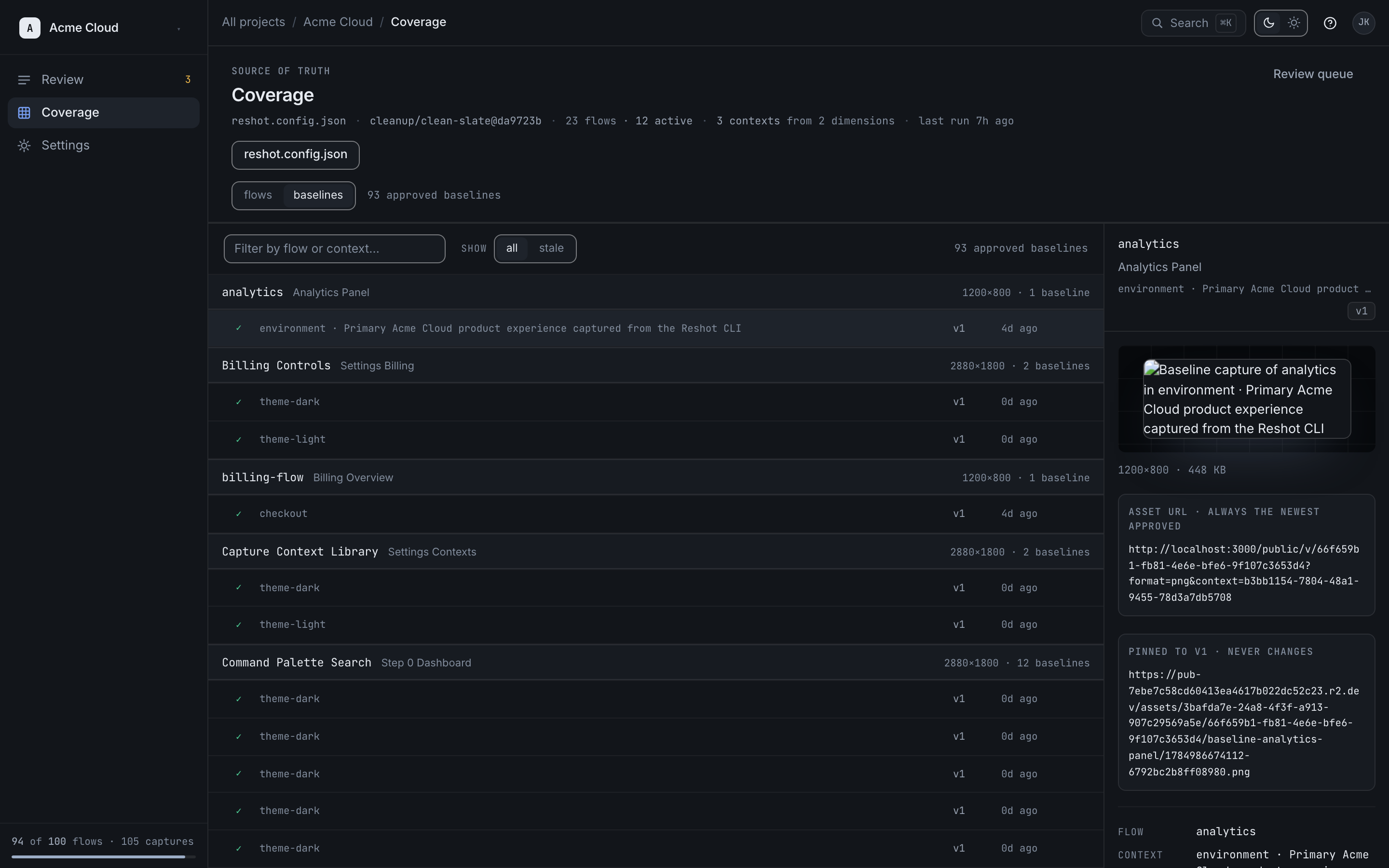
Version Information
Each version shows:
| Field | Description |
|---|---|
| Commit Hash | The Git commit that generated this version |
| Author | Who ran the publish command |
| Date | When it was captured |
| Status | Approved, Rejected, or Pending |
| Diff | Visual comparison with previous version |
Comparing Versions
Click any two versions to compare them:
- Side-by-side view
- Diff overlay
- Swipe comparison
Rollbacks
If you accidentally approve a broken image:
Performing a Rollback
- Open the visual's history
- Find the previous good version
- Click "Promote to Live" (or Rollback)
Result
On Team+, the approved-baseline pointer (cdn.reshot.dev/...) switches back to
serving the old image. The immutable URL for each version does not change.
- No code changes required
- No documentation updates needed
- Immediate effect
Retention
Version history is retained based on your plan:
| Plan | Retention |
|---|---|
| Developer | 7 days |
| Team | 90 days |
| Scale | 1 year |
| Enterprise | custom |
Versions outside your plan's retention window stop appearing in history and cannot be rolled back to. The currently live version stays available even if it is older than the retention window so published docs URLs do not break.