

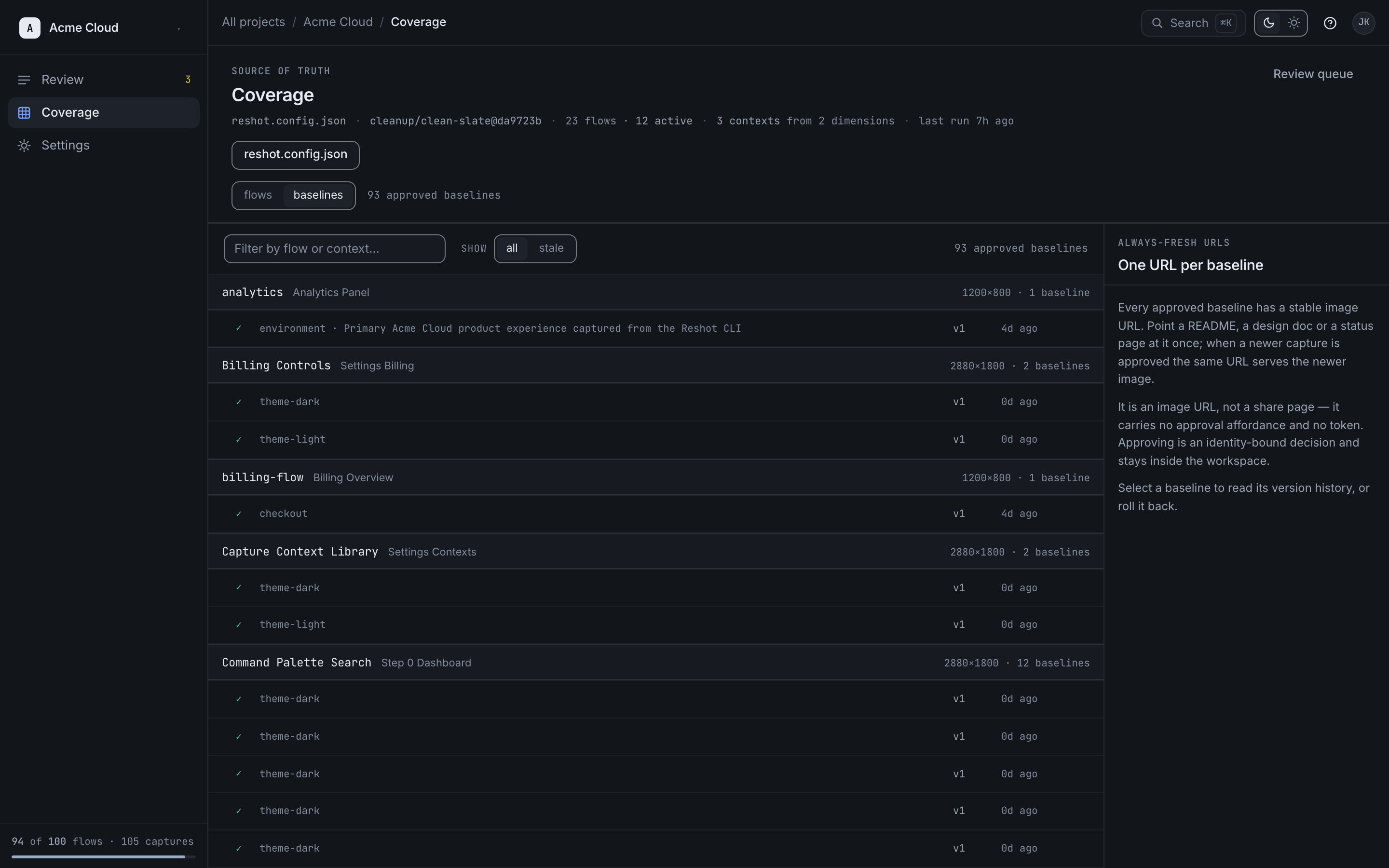
Always-fresh URLs
Reshot provides immutable pinned URLs on every plan. Team, Scale, and Enterprise also provide an always-fresh pointer to the latest approved baseline.
Live Asset URL
https://cdn.reshot.dev/v1/assets/proj_123/release-command-centerServing current approved imageThe docs embed stays in the same place. Approval changes what that URL serves.
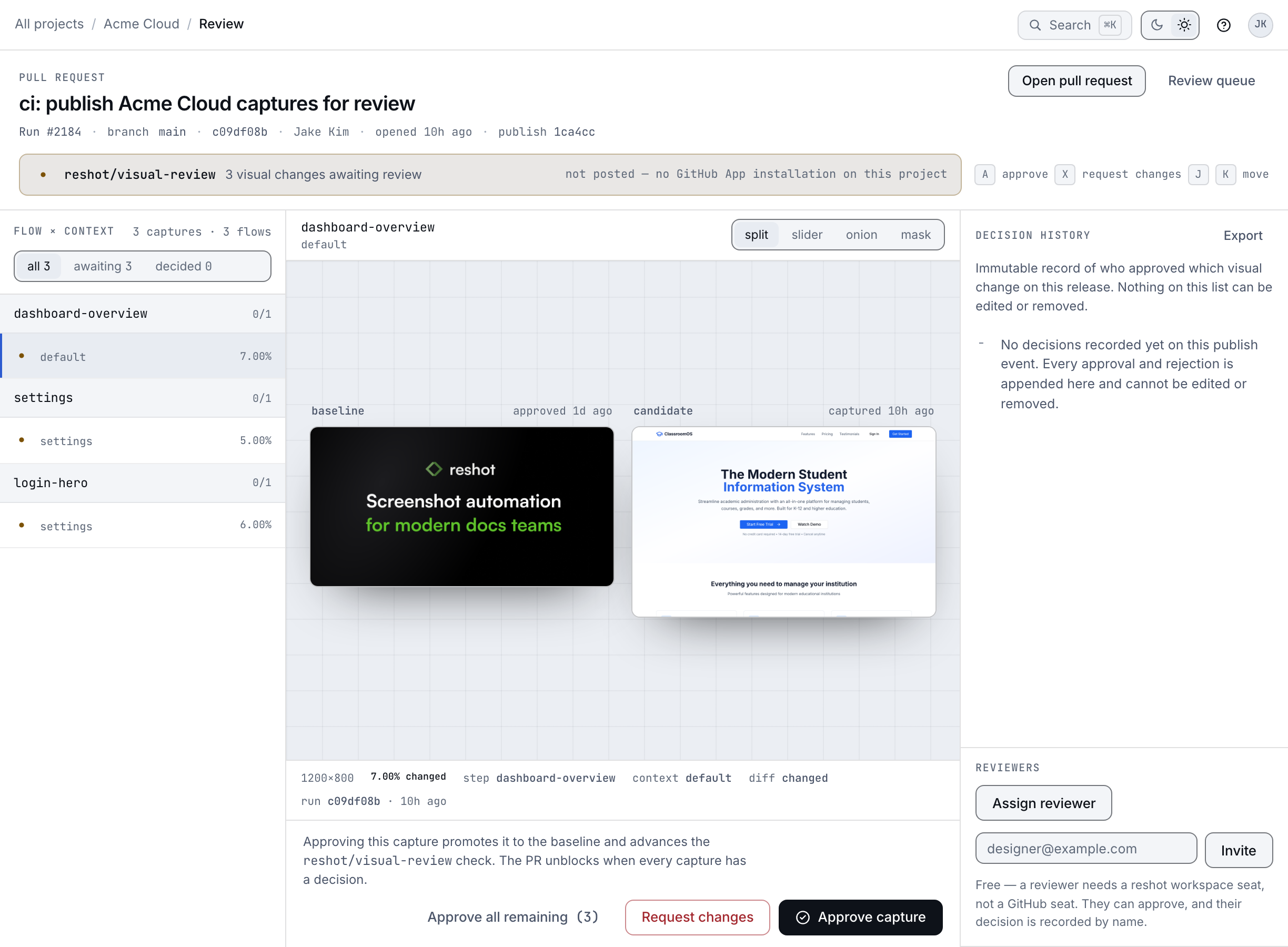
Release Command Center
Same visual key, updated image content.
The page layout stays fixed while the embedded visual updates in place.
- Live URLs (Team+) — Always show the latest approved version (for marketing sites)
- Pinned URLs (all plans) — Show a specific tagged version (for versioned documentation)
URL Types
Live URL (always latest, Team+)
https://cdn.reshot.dev/v1/assets/[project-id]/[visual-key]This URL always serves the latest approved version. When you approve a new version, that same URL serves the approved image.
Use for: Marketing sites, blog posts, landing pages
Pinned URL (Specific Version)
https://cdn.reshot.dev/v1/assets/[project-id]/[visual-key]?tag=v1.2This URL is pinned to a specific version tag. Even when you publish new versions, this URL continues to serve the tagged version.
Use for: Versioned documentation, release notes, archived docs
Tagging Versions
When publishing, use the --tag flag to create a pinned version:
reshot publish --tag v1.2This creates a snapshot that can be referenced forever:
<!-- For v1.2 docs -->
The Pointer Pattern
Always-fresh URLs are Team+ permanent links that act as pointers. They never change, but the approved image behind them can change after review.
URL Structure
Assets are served via our global CDN:
https://cdn.reshot.dev/v1/assets/[project-id]/[visual-key]Example
If you have a visual named "login-modal":
https://cdn.reshot.dev/v1/assets/proj_123/login-modal- Today: Serves the v1.0 login screen
- Tomorrow: You redesign and approve v2.0
- Result: The exact same URL serves the approved v2.0 image
Your docs keep the same embed while the approved image changes behind it.
Embedding in Documentation
Use the permanent URL in your Markdown:
Or in HTML:
<img
  src="https://cdn.reshot.dev/v1/assets/proj_123/login-modal"
  alt="Login Modal"
/>
Accessing Variants
If you capture multiple variations (Dark Mode, different languages), access them with query parameters:
| Variant | URL |
|---|---|
| Default | .../login-modal |
| Dark Mode | .../login-modal?context=dark |
| German | .../login-modal?context=de-DE |
| Korean | .../login-modal?context=ko-KR |
Benefits
- No broken links: URLs never change
- Approval-gated delivery: Approve in dashboard, then docs start serving the new image
- Version control: Roll back anytime
- Variant support: Single URL, multiple contexts