

Publish Command
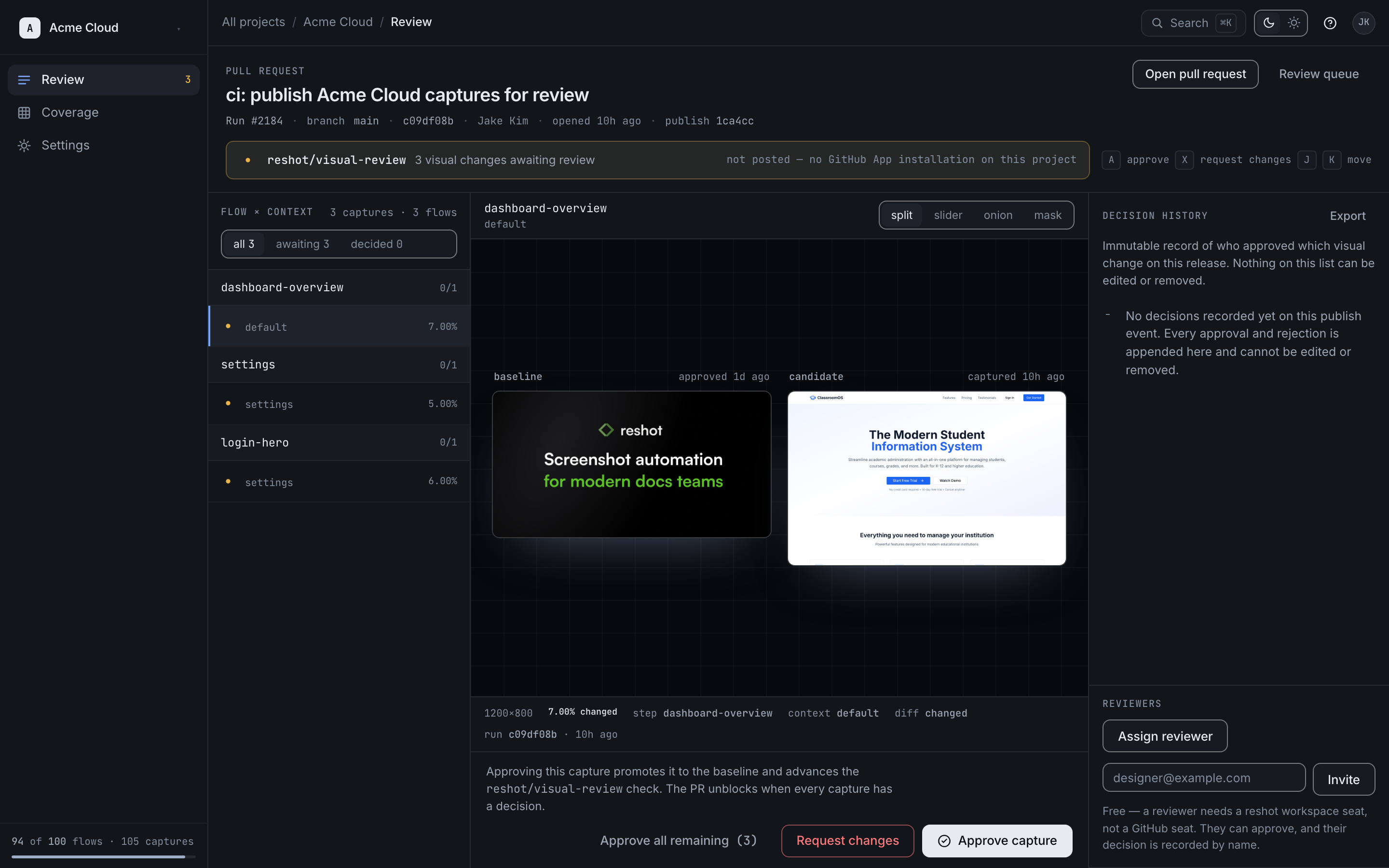
Once you've recorded and generated assets locally, use the publish command to upload them to your storage provider.
Basic Usage
Terminal
reshot publishWhat It Does
- Scans the
.reshot/outputdirectory for generated assets - Uploads new or changed assets to your configured storage provider
- Commits metadata (scenario names, variants, git hash) to the platform or manifest
- Updates the review queue (if using Reshot Platform)
Options
| Option | Description |
|---|---|
--dry-run | Preview what would be uploaded without uploading |
--message, -m | Commit message for this publish |
--force, -f | Skip confirmation prompts |
--tag <version> | Tag this release for pinned URLs (e.g., --tag v1.2) |
Examples
Dry Run
See what would be published without actually uploading:
Terminal
reshot publish --dry-runWith Commit Message
Terminal
reshot publish -m "Updated login screenshots for new design"With Version Tag (for Versioned Docs)
Create a pinned version that can be referenced in versioned documentation:
Terminal
reshot publish --tag v1.2This creates pinned URLs: cdn.reshot.dev/assets/{key}?tag=v1.2
Force (Skip Prompts)
Terminal
reshot publish --forceOutput
After publishing, you'll see a summary:
Text
📦 Publishing assets...

  ✓ homepage.png (new)
  ✓ login-form.png (changed)
  ○ settings.png (unchanged, skipped)

Published 2 assets to Reshot Platform
Commit: abc123def
What Happens Next
Platform Mode
After publishing, assets enter the review queue in the Reshot Platform:
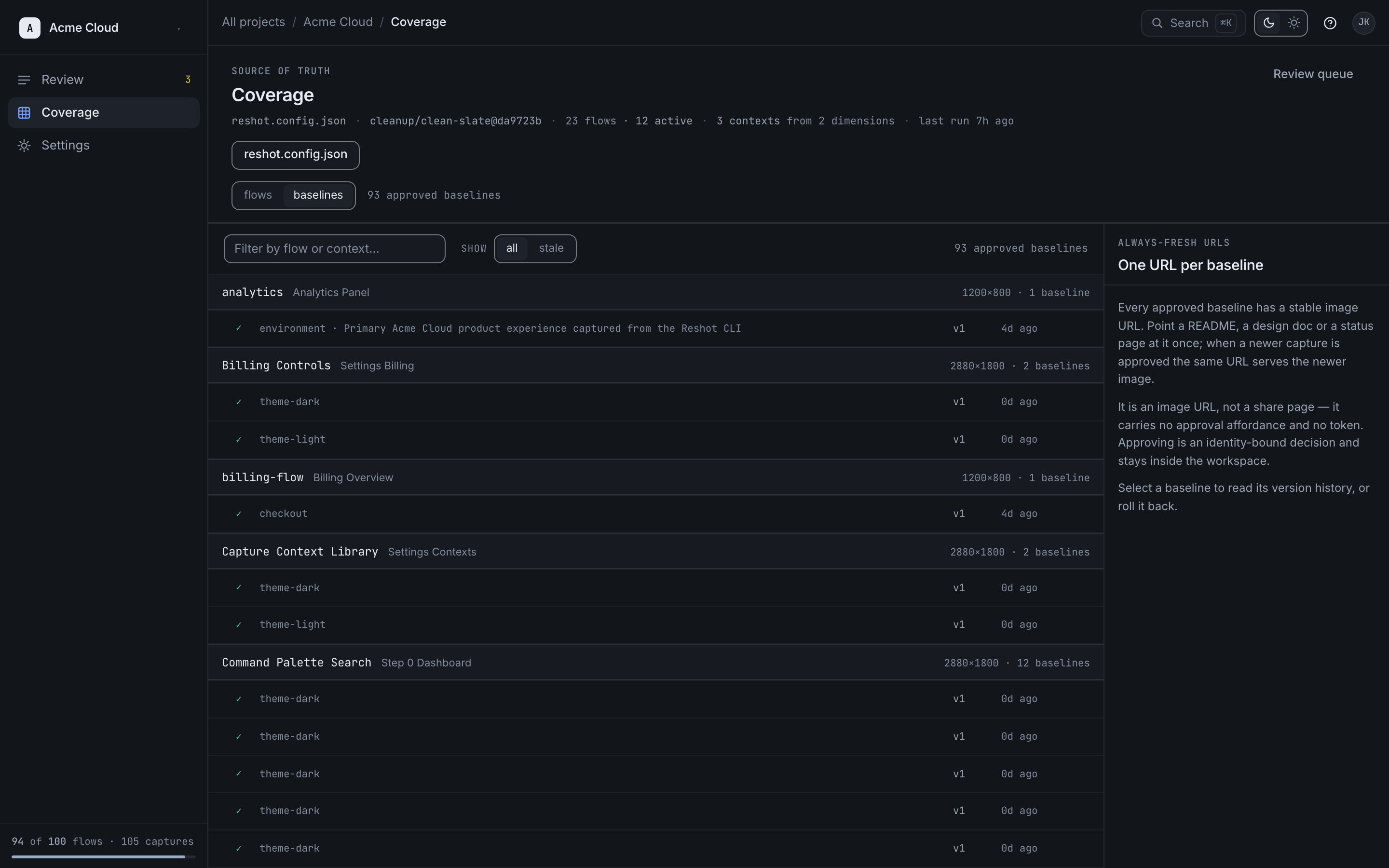
- Assets enter the Review Queue
- Team members can approve/reject changes
- Every approved version keeps an immutable URL; on Team+, the approved-baseline pointer advances to it
BYOS Mode
- Assets are uploaded directly to your storage
- A manifest file is updated with new URLs
- URLs are immediately available